Walmart Digital Coupons & Stacking Rules Canada 2026
Explore every source of Walmart eCoupons, a colour-coded stackability matrix, and real-world examples that slash your grocery bill.
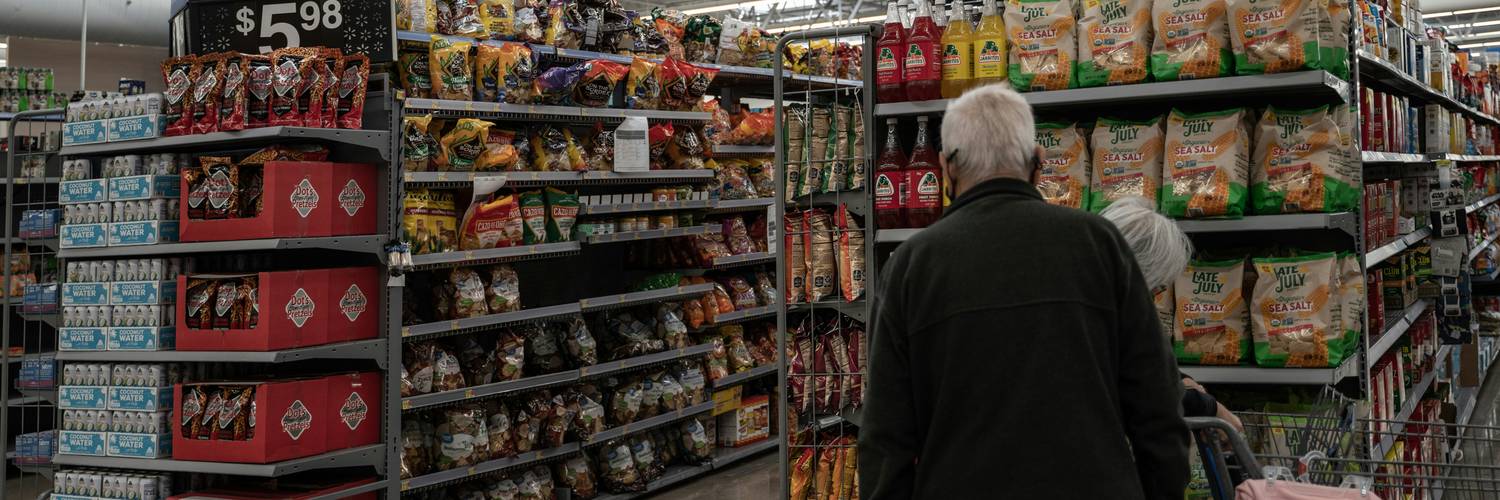
Digital grocery rebates have exploded in Canada—especially at Walmart, where aggressive Rollback pricing meets app-based offers that refund cash straight to your PayPal. Yet many shoppers still leave money on the table because they aren’t sure which eCoupons can live on the same receipt as paper manufacturer coupons or a quick price match at the service desk.
This guide demystifies Walmart digital coupons and the sometimes confusing stacking rules that govern them. You’ll discover every place eCoupons hide, see at-a-glance which combinations work (and which will be rejected), and walk through real math examples that convert policy jargon into dollars saved.
By the end, you’ll know exactly how to line up price matches, paper coupons, My Offers barcodes, and receipt-upload rebates like Checkout 51—maximising every grocery haul while staying 100 % within Walmart Canada policy.
Where Walmart Digital Coupons Come From
- Walmart My Offers App: In-app eCoupons that generate a single scannable barcode. Most reset weekly and pay out instantly at the till. See full guide.
- Checkout 51 Rebates: Upload your Walmart receipt for cash back within 48 h. Offers refresh Thursday; you can claim until limit reached. Checkout 51 review.
- Caddle Surveys & Rebates: Combines micro-surveys with receipt uploads. Unique offers often stack with Checkout 51. Payout by e-transfer at $20. Learn more.
- Brand Email eCoupons: Some manufacturers email single-use digital barcodes linked to your phone number—scan at Walmart for instant discount.
- Scene+ or Triangle Card Offers: Targeted “load & go” points multipliers that act like digital coupons when you pay with the linked loyalty card.
- Credit-Card Cashback Portals: Neo and Koho periodically float in-app Walmart offers (e.g., 3 % statement credit) that technically stack after receipt-upload rebates.
Stackability Matrix
| Source | Works with Paper Coupon? | Works with Price Match? | Per-Receipt Limits |
|---|---|---|---|
| Checkout 51 Rebate | Yes – submit receipt after checkout | Yes | Up to 5 identical offers unless otherwise stated |
| Caddle Rebate | Yes | Yes | Usually 1–2 redemptions per offer |
| Walmart My Offers App (barcode) | No – treated as manufacturer discount | Yes | Unlimited clips; one scan per transaction |
| Email Single-Use eCoupon | No – cannot combine with another manufacturer coupon | No – cashier override rarely approved | One per customer |
| Credit-Card In-App Cashback | Yes – discount applied post-transaction | Yes | Depends on card issuer’s offer cap |
Quick Stacking Eligibility Checker
How to Combine Digital Rebates & Paper Coupons Legally
Walmart’s official policy states you may use one manufacturer coupon per item—but digital rebates that pay
after checkout are treated differently. Think of Checkout 51 or Caddle as mail-in rebates on turbo
mode
; they don’t modify the point-of-sale price, so they can peacefully coexist with a paper coupon and even a
price match.
Here’s the winning sequence: 1) Price match the competitor flyer to lock in the lowest shelf price, 2) hand the cashier your paper manufacturer coupon, 3) scan any My Offers barcode (if applicable), 4) pay, 5) upload your receipt to rebate apps. Done right, you could turn a $3.99 box of cereal into $1.99 net—50 % off—without breaking a single rule.
Example 1: Competitor has yogurt at $3.50. You price-match, then scan a $1 paper coupon. After checkout, you submit the receipt to Checkout 51 for another $1. Net cost = $1.50, or 57 % savings.
Example 2: Rollback drops cereal from $5.29 to $4.29. You clip a My Offers $1 eCoupon (barcode) and—because digital barcodes act like manufacturer coupons—skip additional paper. Later, Caddle offers 50 ¢ back on any cereal, bringing your final cost to $2.79.
Digital-Coupon Troubleshooting
- Verify brand, flavour, and size match exactly before uploading.
- Photograph entire receipt—barcode and header included.
- Wait at least 72 h before re-submitting a rejected claim.
- Use store Wi-Fi near customer service to avoid upload failures.
- Check that the app recognises “WM Supercentre” not a gas bar POS.
Frequently Asked Questions
Mastering Walmart’s digital coupons is half the battle—knowing how to stack them legally delivers the real savings. Keep this matrix handy, bookmark the daily-updated offers page, and troubleshoot any hiccups with our step-by-step troubleshooting guide.